
Is the WhoScribe app free?
Yes. The app is free to download and the free plan includes 90 minutes a month, up to 3 files a day. A single long recording can be unlocked on its own, and Pro is available monthly or yearly if you transcribe every week.
WHOSCRIBE ON YOUR PHONE
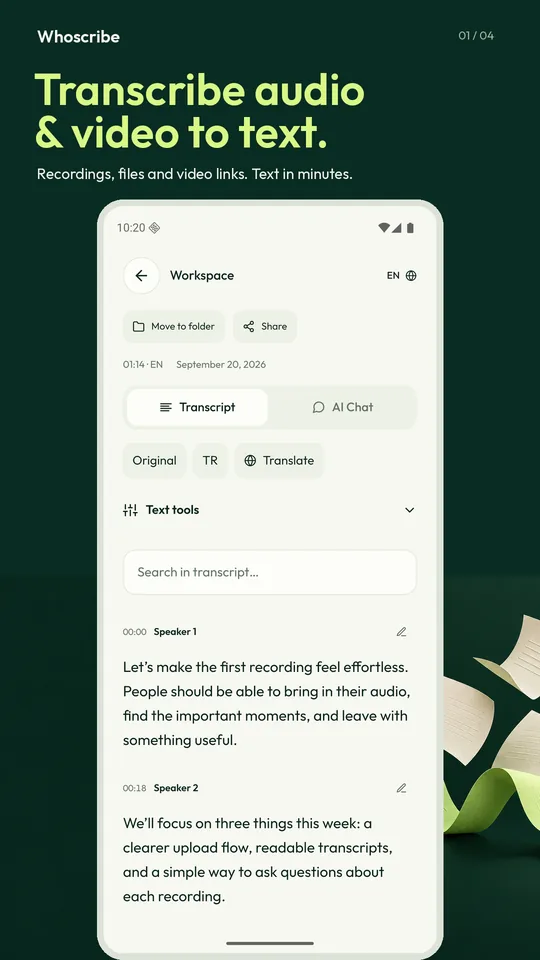
Record a meeting, import a voice note or paste a video link — the app turns it into a readable transcript with speaker labels and timestamps, then lets you search it, ask it questions, translate it and export it.

Free to download. The same account works on the web.
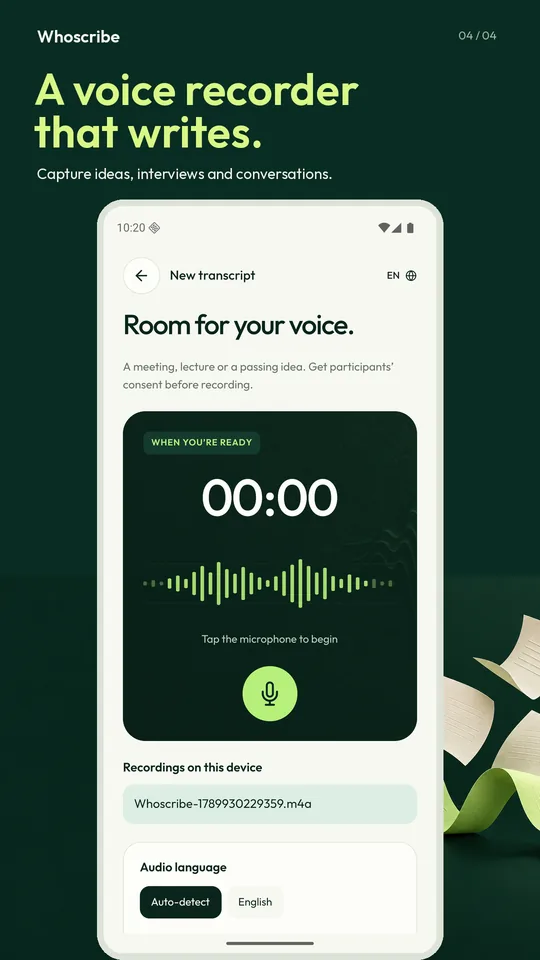
Tap record for a meeting, a lecture or an idea on the way home. The recording is saved and transcribed; you never carry a separate voice memo around.
Pick an audio or video file, a voice message or a screen recording. MP3, M4A, WAV, MP4, MOV and the rest are accepted up to 1 GB on the free plan.
A public video link you are allowed to use becomes text without a download step — the same link import the website has.
See who said what, tap a timestamp to jump to that moment, search inside the transcript and fix a line in place.
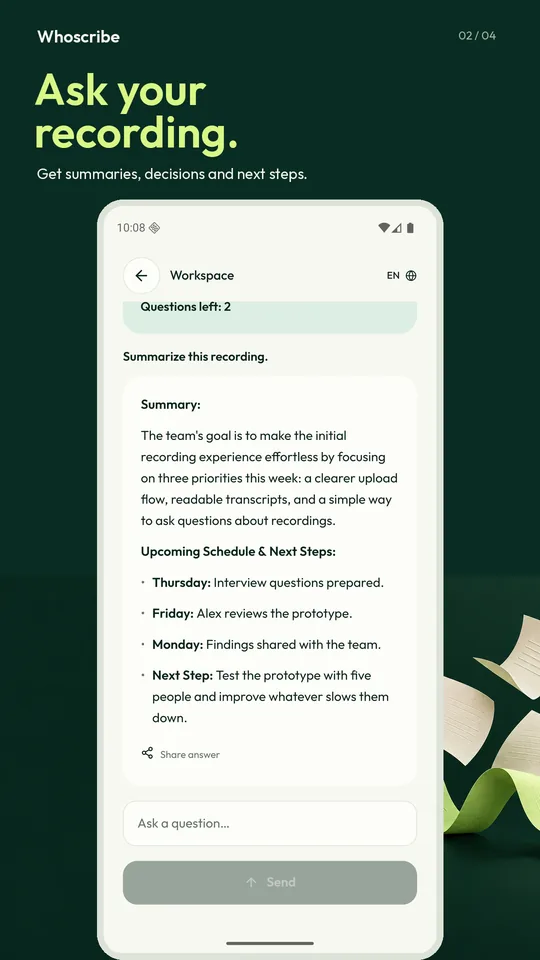
AI Chat answers questions about the transcript: a summary, the decisions, the next steps. The answer stays next to the source text.
Translate a transcript into another language and keep the original. Export TXT on the free plan, every format on Pro.
Start a recording on your phone and finish editing it in the browser. Files, folders and translations are the same on both; signing in with Google or Apple takes one tap.
90 minutes a month, up to 3 files a day, up to 15 minutes per file. Need one long recording? Unlock that single file. Need more every week? Pro raises the limit to 10 hours per file and opens every export format.
See plans and prices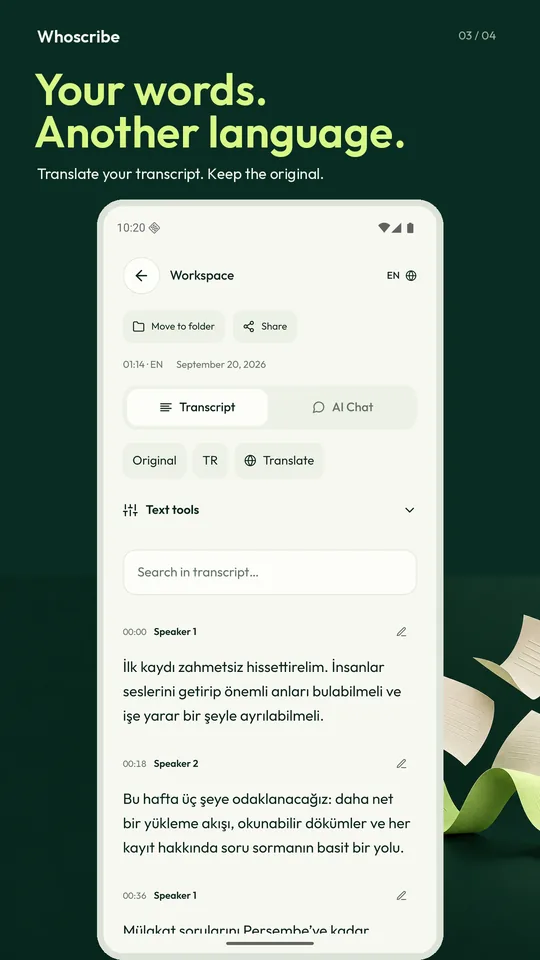
Files are processed to produce your transcript and nothing else. Notifications are optional, analytics are off until you allow them, and you can delete a recording or your whole account from inside the app.
Yes. The app is free to download and the free plan includes 90 minutes a month, up to 3 files a day. A single long recording can be unlocked on its own, and Pro is available monthly or yearly if you transcribe every week.
Speech in more than 98 languages, with automatic detection when you are not sure. The app interface itself is available in 15 languages.
Recording works offline, but transcription and AI answers need a connection because the audio is processed on our servers.
Yes. It is one account: whatever you record in the app is in your account on whoscribe.ai, and files you started on the web open in the app.
Yes. WhoScribe is on the App Store for iPhone and on Google Play for Android. Both are free to download and use the same account as the website.
Yes, if it is a public video you have the right to use: paste the link on the home screen and the audio is transcribed with timestamps.
Download the app, sign in with the account you already have, and your next recording writes itself down.
On the web, paste a YouTube link and read the transcript in the browser.
You have used today's free guest transcriptions. Create an account or try again tomorrow.
Free $0
Already have an account? Log in
Your request is open
We sent a confirmation to your email. You will get our reply by email and can read it on the request page.
Open the request