
Is the extension free?
Yes. Installing is free and the first video each day works without an account. A free account gives 90 minutes of transcript a month. Long videos can be unlocked individually or with the unlimited plan.
Chrome extension
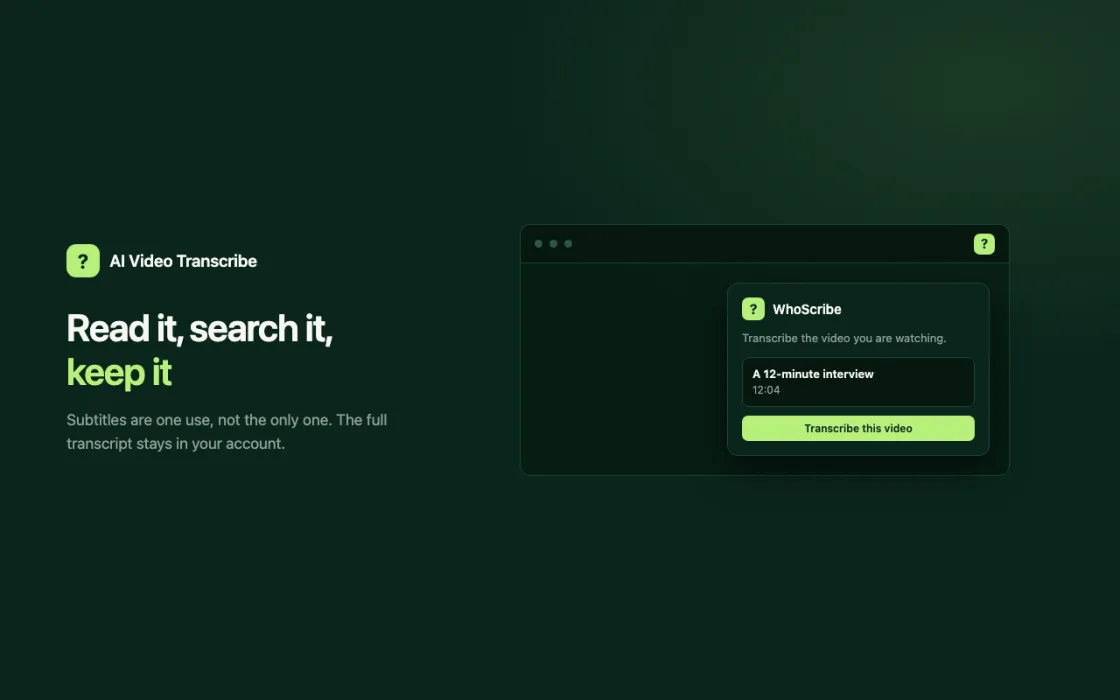
AI Video Transcribe adds a small button to videos on the web. Click it and WhoScribe transcribes the audio, then plays subtitles in your language right on the player, or opens the full text to read and search.
Add to ChromeFree to install. Works in Chrome, Edge, Brave and other Chromium browsers. No account needed for your first video.
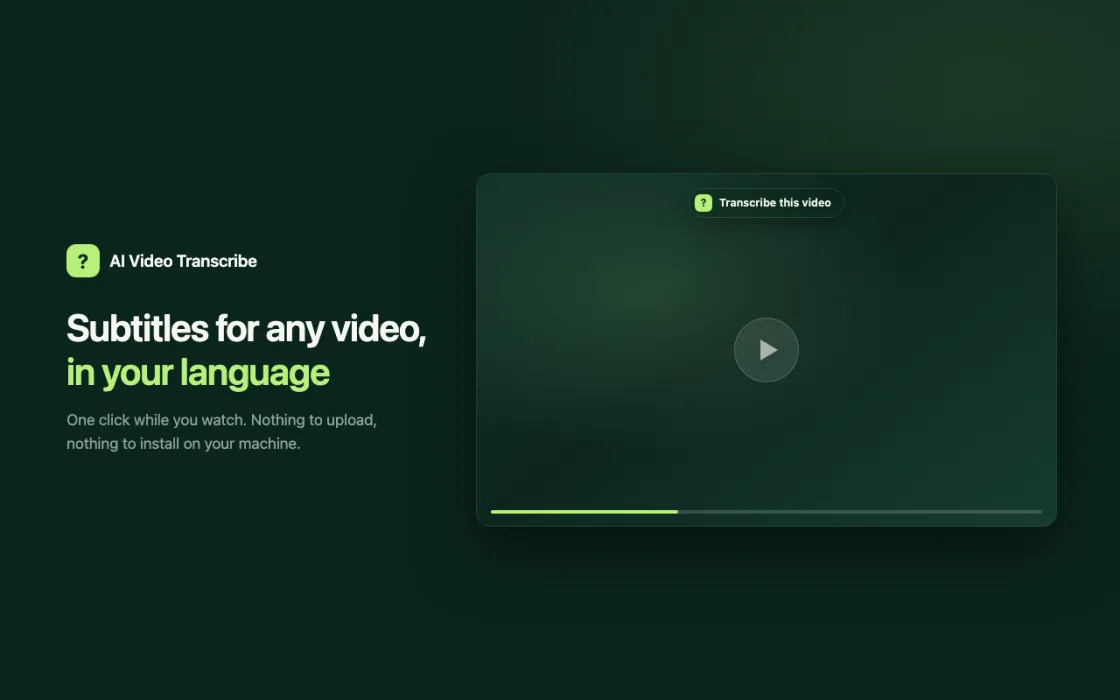
A small “Transcribe this video” button appears on the player. There is nothing to upload and no link to copy.
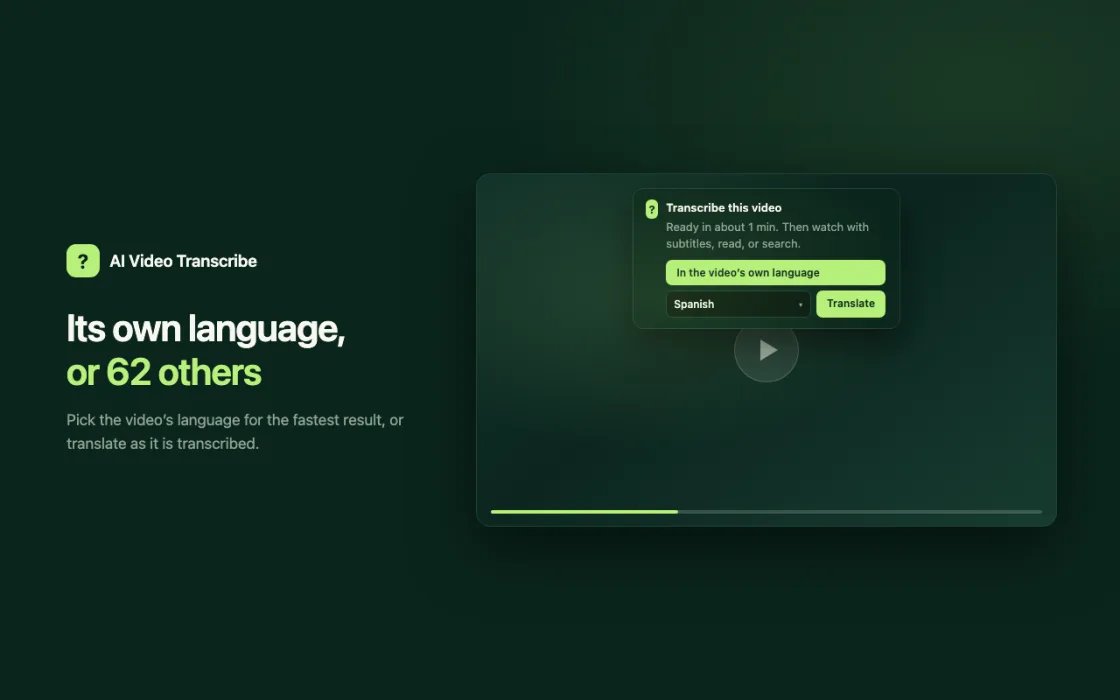
Keep the video’s own language or translate it into more than 60 others. The subtitles play on the video itself.
The audio itself is transcribed, so it works on videos that have no captions and no transcript.
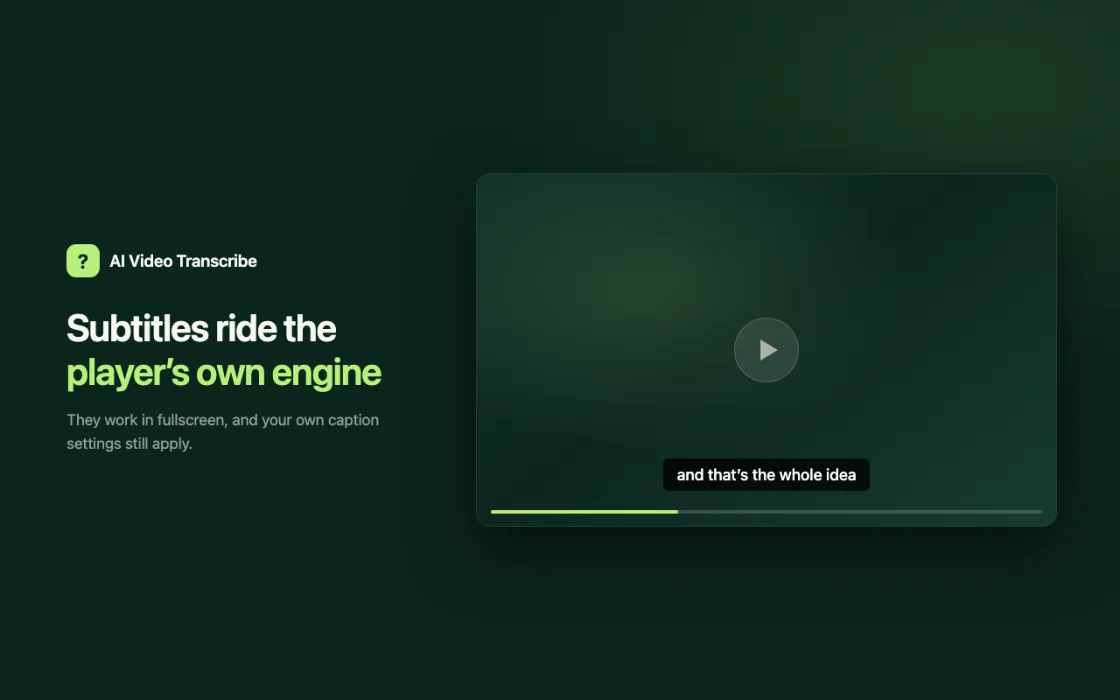
Subtitles are handed to the browser’s own caption engine. They work in fullscreen and follow the caption style you already use.
Open the transcript on WhoScribe with timestamps and speaker labels. Search it, translate it or export it.
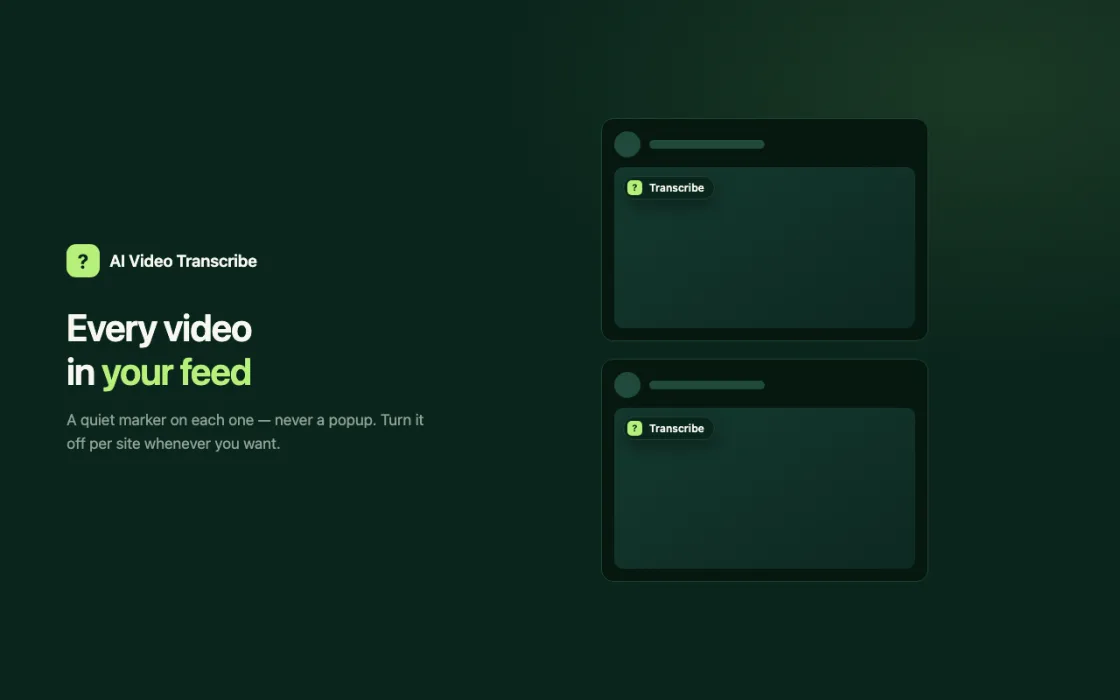
If the video already has subtitles in your language, the extension stays quiet. You can turn the button off for any site.
Install AI Video Transcribe from the Chrome Web Store.
Choose the video’s own language or a translation. A short video is ready in about a minute.
Subtitles start on the player. One more click opens the full transcript.
On YouTube, Vimeo, TikTok, Instagram, Facebook, X and most other pages that play a video. It does not work on services that protect their streams with DRM, such as Netflix, Prime Video or Spotify, or on videos that need a sign-in to open.
Installing is free and your first video needs no account. Without an account you get 1 video a day. A free account gives 90 minutes of transcript a month and the first 15 minutes of each video. Longer videos, up to 10 hours, can be unlocked one at a time or with the unlimited plan.
See pricing ↗On each page it only checks whether there is a video player and, if there is, draws its button. It does not read page text, forms, cookies or your browsing history. Nothing is sent until you click the button; then the address of that video goes to whoscribe.ai, where the audio is transcribed. The extension does not record your tab and does not download or save videos to your computer.
Yes. Installing is free and the first video each day works without an account. A free account gives 90 minutes of transcript a month. Long videos can be unlocked individually or with the unlimited plan.
YouTube, Vimeo, TikTok, Instagram, Facebook, X and most other pages with a video player. Services that use DRM, such as Netflix, Prime Video and Spotify, are not supported.
Yes. It transcribes the audio rather than copying existing captions, so missing captions do not matter.
Speech in over 90 languages is recognised, and subtitles can be translated into more than 60 languages.
Not to start. A guest account opens with your first video and its transcripts stay in that browser. Sign in to keep them across devices.
It works in desktop browsers that install extensions from the Chrome Web Store, including Edge and Brave. It does not work in Safari or Firefox. On a phone, use the WhoScribe app.
No. Nothing is saved to your computer. The address of the video is sent to WhoScribe, which transcribes the audio and returns the subtitles.
Add the extension, open a video and click the button.
Add to Chrome Or paste a link on the websiteHai esaurito le trascrizioni gratuite da ospite di oggi. Crea un account o riprova domani.
Gratuito 0 USD
Hai già un account? Accedi
La tua richiesta è aperta
Abbiamo inviato una conferma alla tua email. Riceverai la nostra risposta via email e potrai leggerla sulla pagina della richiesta.
Apri la richiesta